
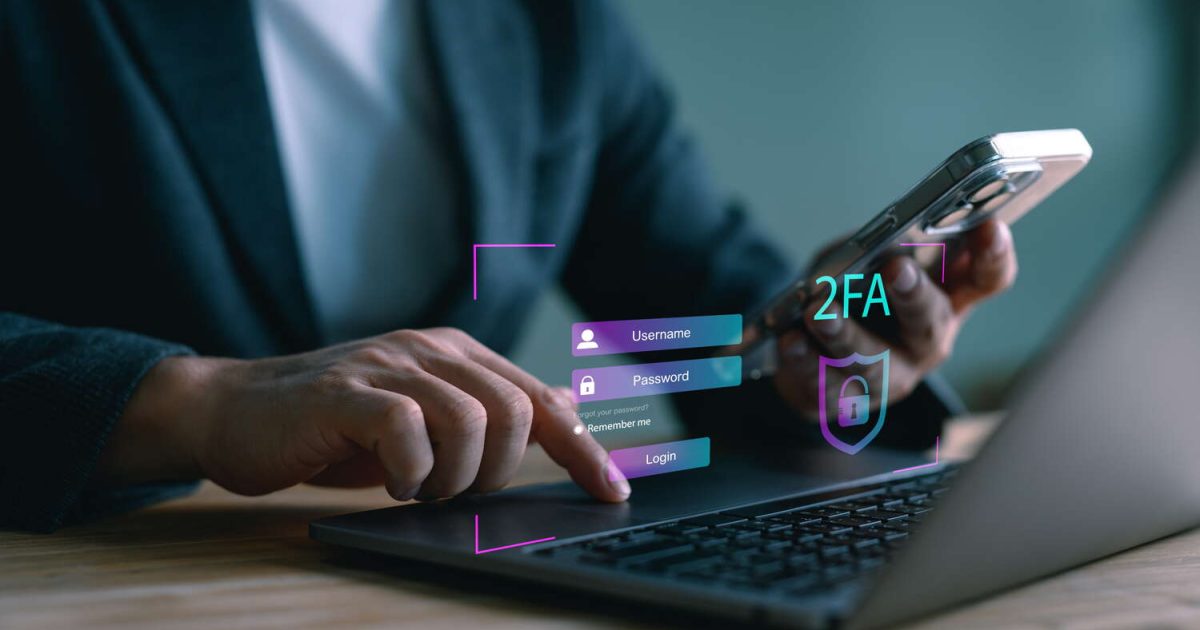
Why Multi-Factor Authentication Matters More Than Your Password
You have good passwords. Long, complex, unique, stored in a password manager. That is genuinely better than most businesses manage.
It still is not enough. Because a password has one fatal property: if someone else gets a copy of it, it works exactly as well for them as it does for you. It does not know who is typing it. It does not care.
Multi-factor authentication changes that. It turns a stolen password into a useless string of characters.
How Most Breaches Actually Start
Almost nobody gets broken into by someone guessing their password. They get broken into because a password leaked somewhere else and someone reused it.
A phishing email convinces someone to type their credentials into a page that looks like the real login. An old forum account from 2015 gets dumped, and the password there is the same one protecting the company email. A laptop picks up malware that quietly logs keystrokes. A vendor you trusted stored passwords badly and got breached themselves.
There are a hundred ways a password gets out, and most of them have nothing to do with how strong it is.
Once it is out, if that password protects anything that matters, someone eventually logs in. Often not immediately. Credentials get bought, sold, and sat on for months before anyone uses them. By the time it is used, the leak that caused it is long forgotten.
A strong password protects you from someone trying to guess. It does nothing at all against someone who already has it.
What MFA Actually Does
Multi-factor authentication requires two different kinds of proof: something you know, and something you have. The password is the first. A code from your phone, a push notification, or a physical security key is the second.
So an attacker with your password reaches the login screen and gets asked for the second factor. They do not have your phone. They do not have your key. The login fails.
The password is still stolen. It just does not open anything anymore. That is the entire point, and it is why MFA does more for your security than any password policy you could write.
Why Your Insurance Company Keeps Asking
If you have been through a cyber insurance renewal recently, you were asked about MFA. Probably more than once, and in more detail than last year.
That is not box-ticking. Insurers have the claims data, and credential theft is behind an enormous share of what they pay out. Accounts protected by multi-factor authentication are dramatically less likely to turn into a claim.
When an underwriter asks whether MFA is enforced everywhere, they are asking the single question that best predicts whether they will be writing you a check. Answer it honestly. A policy issued on an inaccurate questionnaire is a policy that may not pay when you need it.
The Objections, and What They Are Worth
“It will annoy everyone.” For about a week. Then it becomes muscle memory, like locking the office door. Ask anyone who has used it for a month whether they still think about it.
“We only need it on the sensitive accounts.” Attackers do not start at the sensitive accounts. They start wherever they can get in, then move sideways. The unimportant account is the front door.
“One of our tools does not support it.” That is worth knowing and worth writing down. A documented gap you have decided to accept is a risk decision. An undocumented one is just a hole.
“We tried and it locked people out.” That is a rollout problem, not an MFA problem. Backup codes, a tested recovery process, and thirty minutes of training solve it.
Which Type to Use
Authenticator apps are the right default for most people. Codes are generated on the device itself, so there is nothing to intercept in transit.
Security keys are the strongest option available. They are physical, they resist phishing in a way nothing else does, and they cost money. Use them on the accounts that would hurt most.
Push notifications are convenient and solid, provided the phone itself is locked and users are trained not to approve prompts they did not trigger.
Text messages are the weakest form of MFA and still vastly better than none. SMS can be intercepted or SIM-swapped, so treat it as a fallback rather than the plan.
A sensible setup: authenticator apps across the board, security keys for administrators and finance, SMS only as a backup.
A Four Week Rollout
You do not need a project plan. You need an order of operations.
Week one: email. Email is the master key, because it can reset everything else. Start here and you have removed most of your risk before you touch anything else.
Week two: administrators and password managers. The accounts that control other accounts.
Week three: everything else in scope. Financial systems, remote access, line of business applications, anything holding client data.
Week four: make it survivable. Backup codes generated and stored somewhere safe, a recovery process someone has actually tested, and a short session so people know what a legitimate prompt looks like.
Roughly an hour per person to set up. A few seconds per login afterward.
What Gets Easier Afterward
The part nobody mentions is how much MFA simplifies everything downstream.
Password rotation policies stop being the thing standing between you and a breach. A password appearing in a breach dump becomes a task rather than an emergency. And when someone logs in successfully, you have real reason to believe it is actually them, which makes every alert you investigate more meaningful.
Then the renewal questionnaire arrives and you answer the MFA question with a straight yes, enforced everywhere, no exceptions.
Stolen credentials are a solved problem. They have been for years. The only question left is whether you have implemented the solution.
If you are not sure where your gaps are, that is the kind of thing our cybersecurity team maps out in an afternoon. And if email is where you want to start, we wrote about what actually slips past your spam filter.